Best Multi-Currency Budget Apps 2026: An Honest Comparison
Which budget apps really handle several currencies? We compare YNAB, Spendee, Wallet, Toshl, a spreadsheet and Buddzy on accounts, exchanges and totals.
· 7 min read
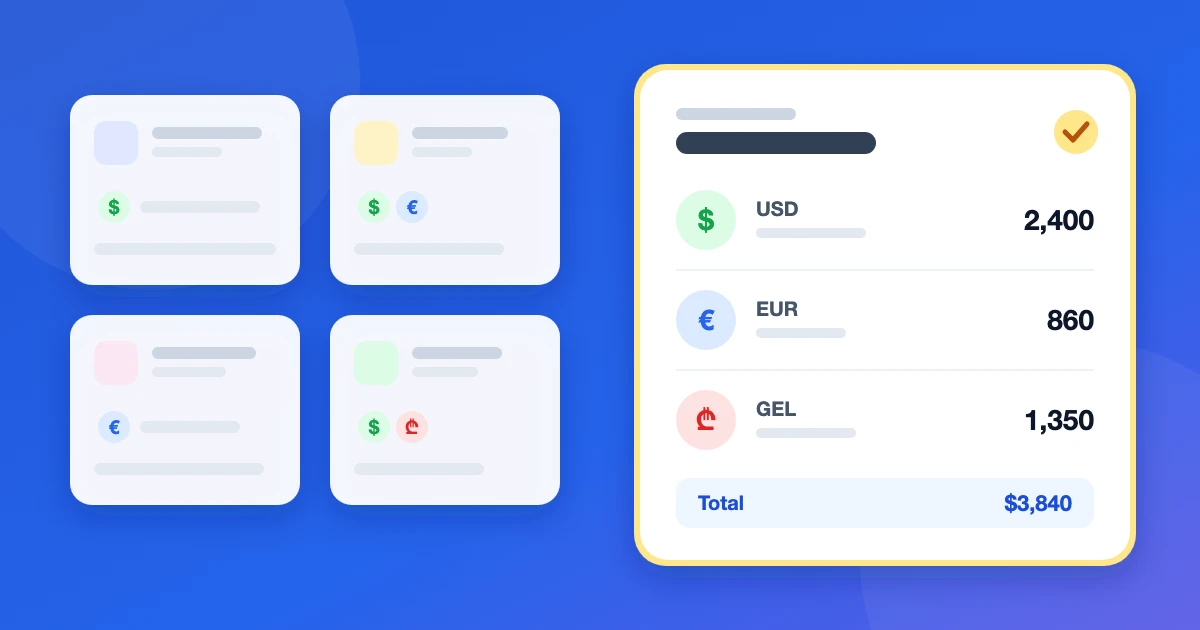
If you earn in one currency and spend in two others, the best multi-currency budget app is the one that keeps every account in its own currency and still shows you a single total. Many popular budget apps fail that test: they either lock you into one currency or make you convert every expense by hand.
Below we compare the options people actually use — YNAB, Spendee, Wallet by BudgetBakers, Toshl, a plain spreadsheet and our own app, Buddzy — on the things that matter when your money lives in several currencies. Yes, Buddzy is ours. We've tried to be fair about where it falls short, too.
What a multi-currency budget app has to get right
Before looking at specific apps, it helps to know what to check. In our guide to tracking expenses in multiple currencies we described four rules; a good app should make each of them easy:
- A currency per account. A dollar card, a euro card and local cash are separate accounts, each with its own balance in its own currency.
- One main currency for totals. Net worth, reports and monthly spending are converted to a currency you choose, at a current exchange rate, without touching the account balances themselves.
- Exchanges as transfers. Moving 500 USD into lari is not an expense. The app should let you record how much left one account and how much arrived in the other.
- Budgets across accounts. A "Groceries" limit should count spending from every account, whatever its currency.
Two more things are worth checking: whether the free plan allows enough accounts for your currencies, and whether the app depends on bank sync — which often doesn't work for banks outside the US and the EU.
The quick comparison
| App | Currency per account | Totals in a main currency | Free plan for several currencies | Bank sync |
|---|---|---|---|---|
| YNAB | No — one currency per budget | No (one budget per currency) | No free plan, trial only | Yes, mostly US/EU banks |
| Spendee | Yes (wallets) | Yes | One wallet only | On the top paid plan |
| Wallet by BudgetBakers | Yes | Yes | Limited | Yes, many countries |
| Toshl Finance | Yes | Yes | Two accounts | On the top paid plan |
| Spreadsheet | Whatever you build | Manual formulas | Free | No |
| Buddzy | Yes | Yes, daily rates | Up to 5 accounts | No — manual by design |
Prices change often and differ by country and platform, so check each app's own pricing page before you decide.
YNAB: great method, one currency per budget
YNAB (You Need A Budget) is the best-known zero-based budgeting app, and its method — give every dollar a job — works well. The problem for multi-currency life is structural: a YNAB budget has one currency. YNAB's own suggestion is to create a separate budget for each currency, which means separate category limits and no combined picture of your money.
Some people work around it with third-party tools that convert foreign transactions through YNAB's API. That helps if you mostly spend in one currency and occasionally travel. If your salary, rent and savings sit in different currencies, you'll be fighting the tool.
Good fit: you live in one currency and want a strict budgeting method. Not a fit: you hold money in several currencies on a regular basis.
Spendee: clean design, multi-currency on paid plans
Spendee organises money into wallets, and each wallet has its own currency. An overview converts everything into your home currency, which is exactly the model you want. The catch is the free plan: it includes a single wallet, so tracking more than one currency means a paid plan. Bank sync is only on the most expensive tier.
One detail to know in advance: a wallet's currency generally can't be changed once it has transactions, so set it correctly when you create it.
Good fit: you like a polished mobile app and don't mind paying for multiple wallets.
Wallet by BudgetBakers: the most features, the most setup
Wallet supports well over a hundred currencies, lets you give each account its own currency and converts totals for reports. It also offers bank sync in many countries, which is its main advantage over the others in this list.
The trade-off is complexity. Wallet has a lot of screens, settings and report types, and some reviewers note that it works best when your money is neatly organised by currency — less so when one trip mixes several currencies from the same card.
Good fit: you want bank sync and detailed reports, and are happy to spend time on setup.
Toshl Finance: currency coverage and a playful interface
Toshl has some of the broadest currency coverage — close to 200 currencies plus crypto — and frequently updated exchange rates. Each account has its own currency, and reports convert to your main one. The free plan allows two accounts and two budgets, so it works for exactly two currencies; beyond that you need the Pro plan. Bank import is on its top tier.
Good fit: you want lots of currencies and don't mind the quirky, illustrated style.
A spreadsheet: free and flexible, until it isn't
A spreadsheet with one sheet per account and an exchange-rate column can do everything above. It's free and fully under your control. In practice, it breaks down in three places: you have to update rates yourself, exchanges and transfers are easy to double-count, and adding an expense on your phone in a shop is awkward — so entries pile up and get forgotten.
Good fit: you enjoy building systems and update your numbers weekly without fail.
Buddzy: built for money in several currencies
Buddzy is a web app we built for people whose money lives in more than one currency — expats, remote workers paid in dollars, families who moved abroad. It follows the four rules above directly:
- every account has its own currency — cards, cash, savings, deposits;
- totals and reports are shown in your main currency at daily exchange rates, while balances stay exact in their original currencies;
- a transfer between accounts in different currencies takes two amounts, so an exchange never shows up as spending;
- monthly category budgets count spending from every account;
- a shared family budget can sit next to your personal one.
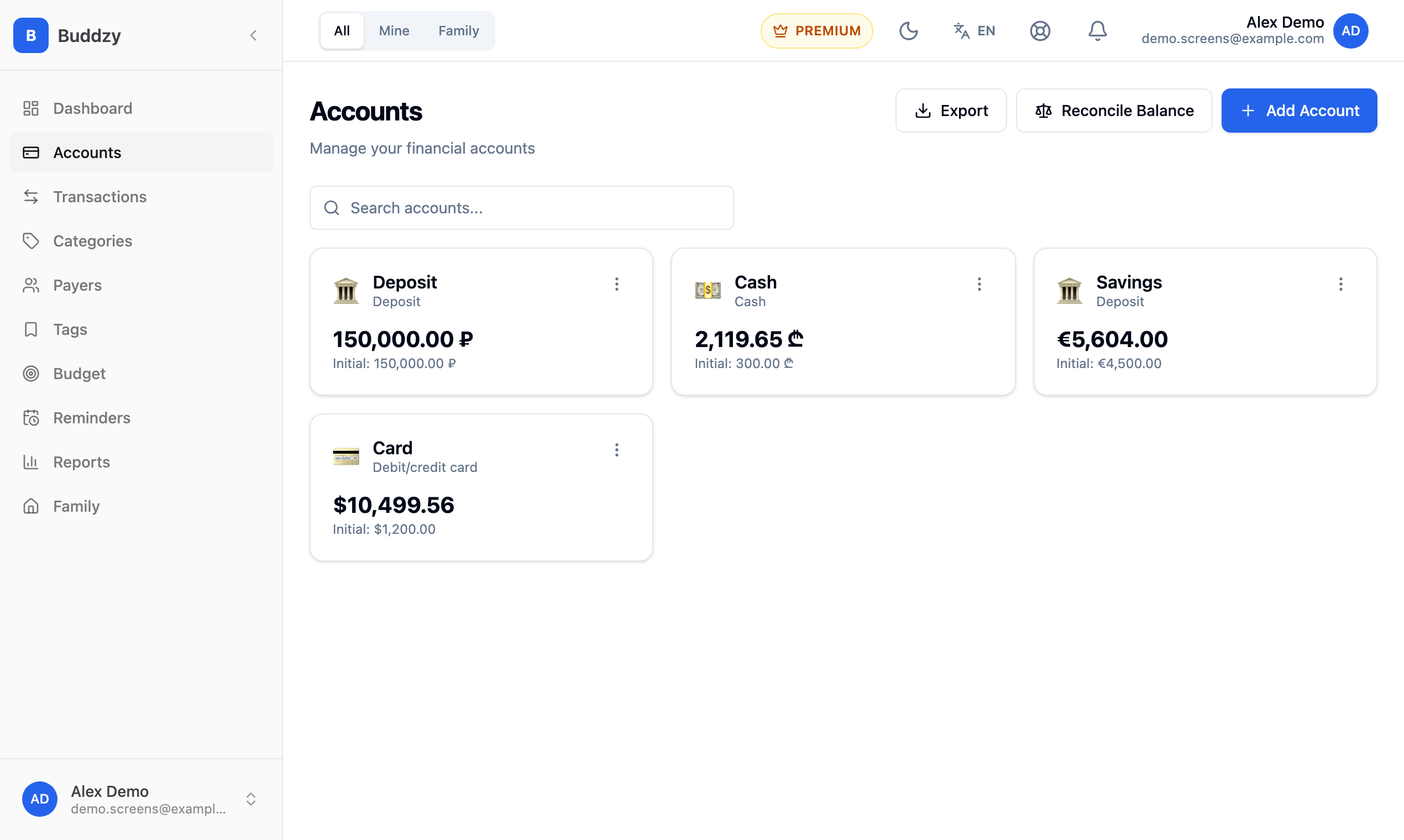
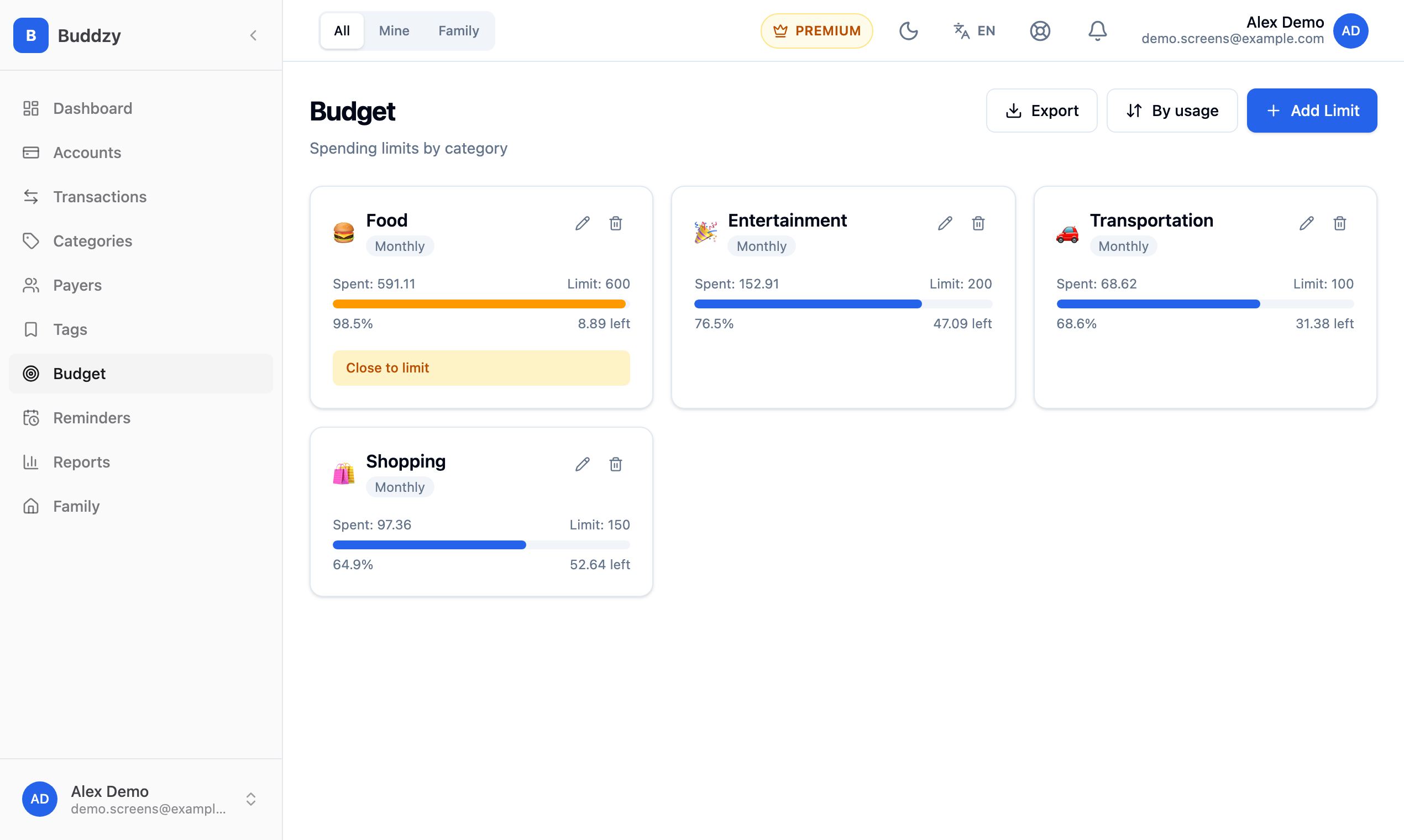
Where it falls short: there's no bank sync — you add transactions yourself, which takes a few seconds each and works with any bank in any country. It's a web app you can add to your phone's home screen rather than a native app from the stores.
The Free plan includes up to 5 accounts and 200 transactions a month, enough for three or four currencies. Budgets come with the Basic plan, and the shared family budget with Premium — see pricing for details.
How to choose
- You live in one currency and travel sometimes: YNAB or any app you already like; convert the occasional trip.
- You need bank sync and your banks are supported: Wallet by BudgetBakers.
- You want to try for free with two currencies: Toshl.
- Your salary, rent and savings are in different currencies, and your bank isn't supported by sync services: Buddzy, or a well-kept spreadsheet.
- You manage money with a partner across currencies: look for shared budgets — our guide on budgeting as a couple explains what to set up.
Whichever app you pick, the habits matter more than the tool: one account per currency, one main currency for totals, exchanges as transfers, and a weekly check against your banks. If you've just moved abroad, our guide to budgeting after relocation walks through the first month step by step.
Read next
 GuideMultiple currencies
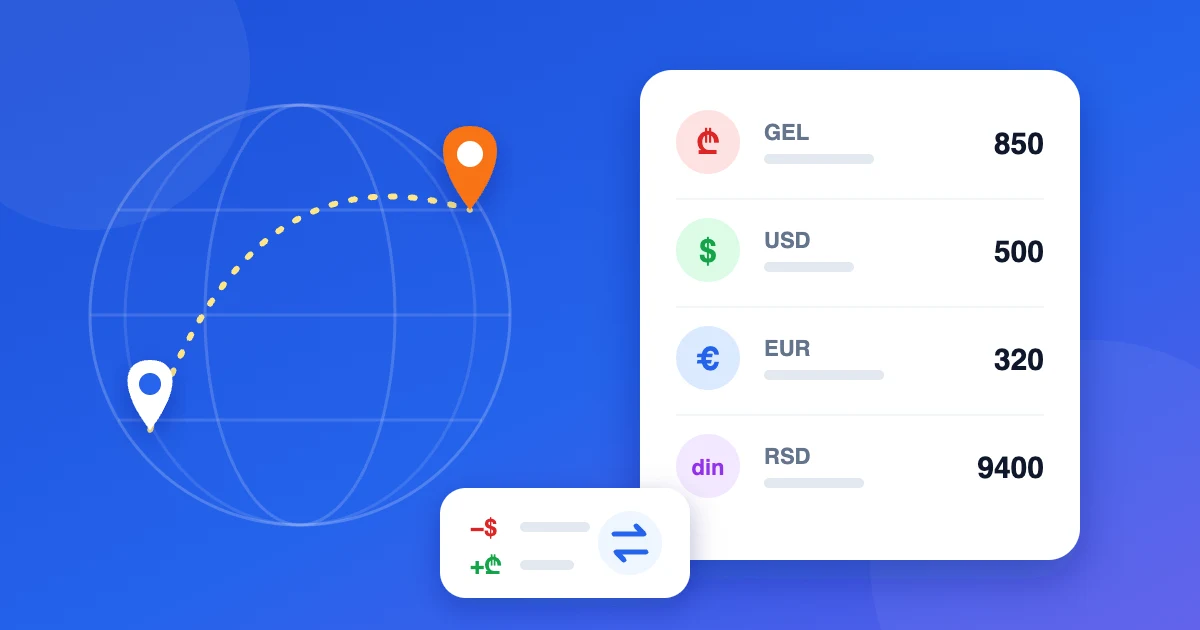
Budgeting after relocation: a guide for expats
How to set up personal finances after moving abroad: accounts in several currencies, exchanges, rent and limits. Examples for Georgia and Serbia.
· 5 min read
 GuideMultiple currencies
How to Track Expenses in Multiple Currencies
Paid in one currency, spending in two others? A simple system for tracking expenses across currencies — accounts, a main currency, transfers and budgets.
· 4 min read
 ArticleFamily finance
Family budget: shared accounts, limits and roles
How to run a family budget everyone can see: shared and personal accounts, category limits, recurring bills and a monthly check-in.
· 5 min read