Budgeting for Digital Nomads Paid in USD
Paid in dollars, spending in a new currency every few months? A simple budget for digital nomads: buffers in USD, conversion in batches, limits that follow you.
· 6 min read
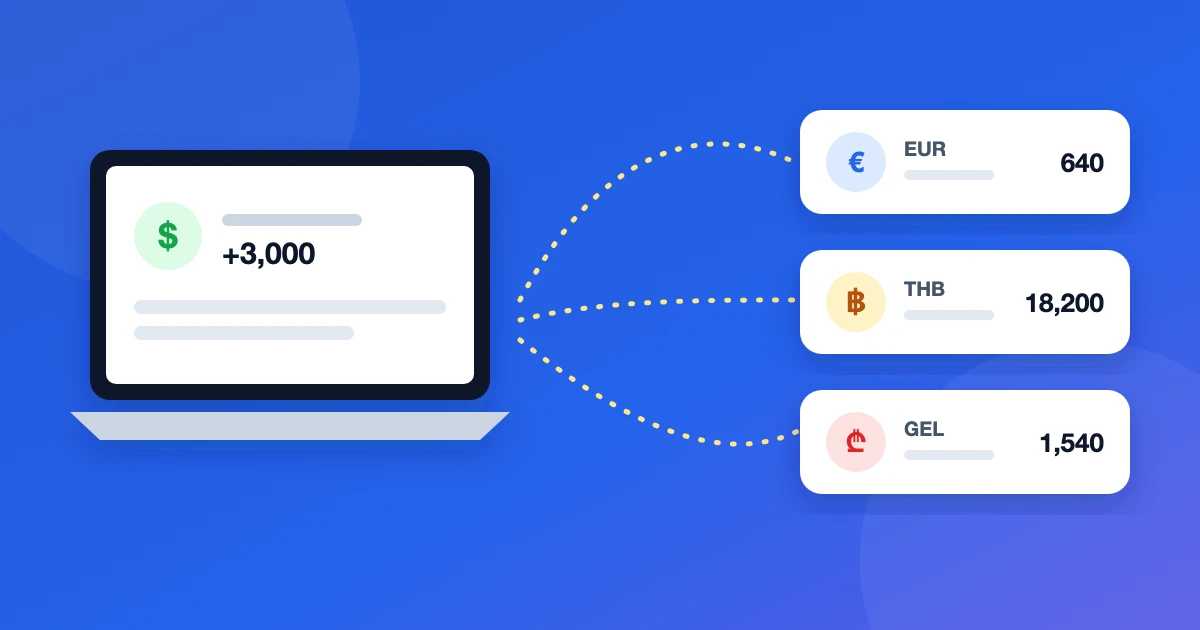
Budgeting for digital nomads paid in USD comes down to one problem: your income arrives in one currency, while rent, food and coworking are paid in whatever currency the current country uses — and that changes every few months. A budget that works for someone living in one city falls apart here. This guide gives you a setup that survives moving: where to keep money, when to convert, how to set limits and what to check every week.
The shape of a nomad's money
Most nomads paid in dollars end up with the same structure:
- Income account in USD. Where clients or an employer pay — a US account, a multi-currency account like Wise or Revolut, or a payment platform balance.
- Spending currency of the month. Euros in Lisbon, baht in Chiang Mai, lari in Tbilisi — on a card or in cash.
- Buffers. An emergency fund and money set aside for taxes, usually in dollars.
- Occasional extras. A deposit in local currency, a home-country account with bills to cover.
The goal isn't to simplify this into one account — it's to see each piece clearly and still know the total.
Step 1: one account per pocket, each in its own currency
Create a separate account for every place money sits: the USD income account, each spending card, cash in the local currency, the emergency fund. Record every expense in the currency it actually happened in. Don't convert by hand — that's where most errors come from, and your balances stop matching the bank.
Step 2: keep dollars as your main currency
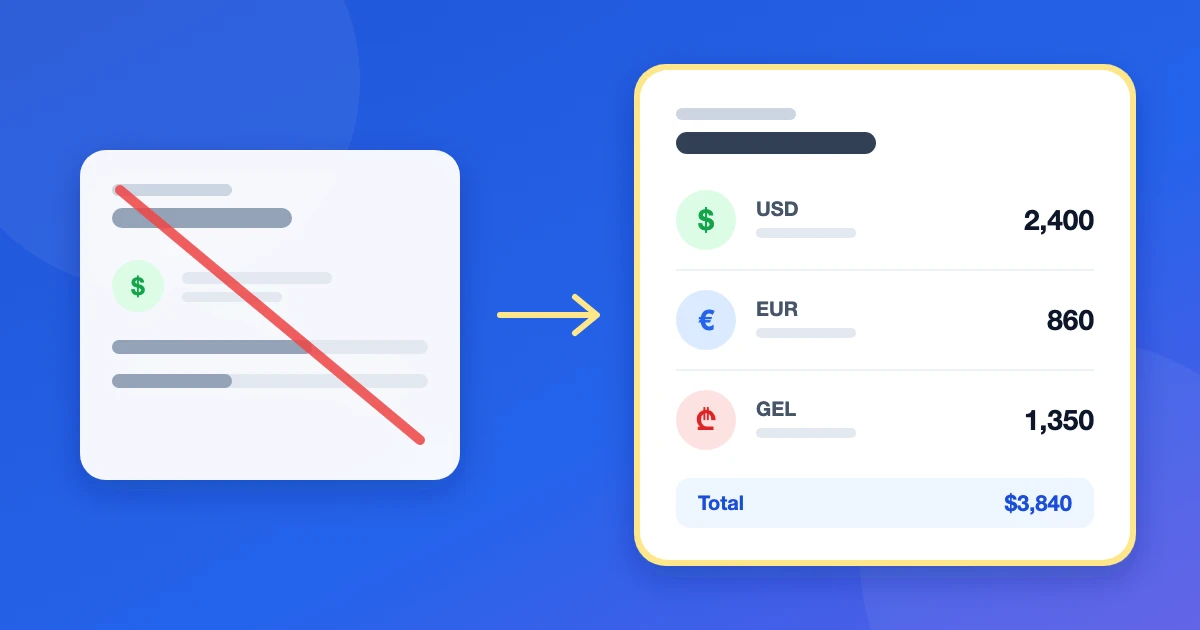
If you earn in USD and think in USD, make it your main currency. Totals, reports and budgets are converted into it at a current rate, while each account keeps its exact balance in its own currency. You always know your monthly burn in dollars, wherever you are.
Step 3: convert in batches, record it as a transfer
Converting small amounts every few days makes fees and rates hard to see. Most nomads do better converting a planned amount once or twice a month — roughly the next weeks of living costs.
Record each conversion as a transfer between your own accounts with both amounts: for example 1,000 USD out, 920 EUR in. It's not spending, so it shouldn't touch your budgets. Whatever the provider charged is already in the difference between the two amounts. Fees and rates differ a lot between banks and services, and they change, so check the current pricing of yours rather than relying on numbers from blog posts.
Step 4: budget in dollars, by category
Set monthly limits in your main currency: rent, groceries, eating out, coworking, transport, flights, insurance. Spending from any account counts toward the limit after conversion, so a coffee in euros and a taxi in baht land in the same categories.
Two categories matter more for nomads than for anyone else:
- Travel between bases. Flights and visa costs come in lumps. Give them their own limit so one expensive month doesn't hide a growing grocery bill.
- Accommodation. It's the biggest line, and it changes with every move. Budget it per base, not as a fixed number.
Step 5: build buffers in your income currency
Keep the emergency fund in dollars: it's the currency you earn in and the one you'd fall back on. A common rule of thumb is three to six months of expenses. If you're self-employed, set aside money for taxes as each payment arrives, in a separate account so it isn't spent by accident — how much depends on your tax residency, so check it with an advisor for your situation.
Step 6: a five-minute weekly routine
- Record expenses as they happen — a few seconds each, right after paying.
- Once a week, compare balances with your banks and cash; fix the missing expense now rather than at the end of the month.
- Check your category limits and adjust next week's plan.
- Before a move, set the budget for the next base: rent, a buffer for the first week, travel.
What about exchange-rate swings?
When the dollar moves against the local currency, your total in dollars changes even if you spent nothing. That's normal. Judge the month by spending per category, and if you're staying somewhere for a while, convert a month's costs at once rather than chasing the best daily rate.
Example: a month in Tbilisi
Say you're paid 3,000 USD a month and spend two months in Tbilisi. Before arriving you set the base budget: rent 900 USD, groceries 300, eating out 250, coworking 120, transport 60, everything else 200. That's 1,830 USD, with the rest going to the tax account, the emergency fund and the next flight.
On payday you move 800 USD to the tax and emergency accounts and convert 1,600 USD to lari, recorded as a transfer with both amounts; the remaining 600 USD covers subscriptions and the next flight. Rent and daily spending come from the lari card, subscriptions from the dollar card. Mid-month the eating-out limit is at 80% — you know it on day 15, not on day 31. When you leave for the next country, you close the base: the lari left over stays as its own account, and the next base gets a new rent line.
Still picking a tool? Here is our comparison of multi-currency budgeting apps.
Doing it in Buddzy
Buddzy follows this setup out of the box:
- every account keeps its own currency, and totals and reports are in your main currency at daily exchange rates;
- a transfer between currencies takes two amounts, so conversions never count as spending;
- monthly category limits count spending from all accounts;
- payment reminders cover rent, insurance and subscriptions.
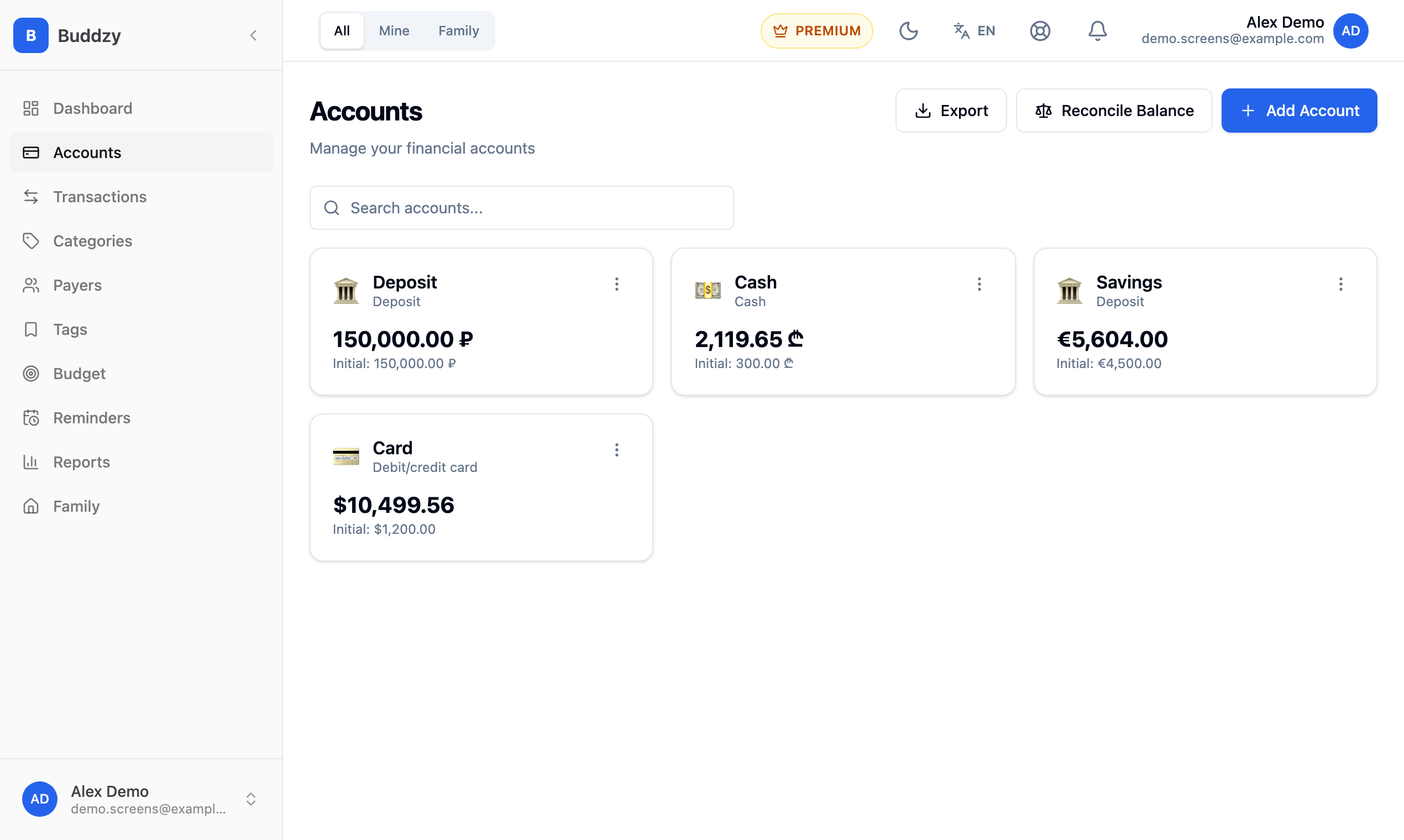
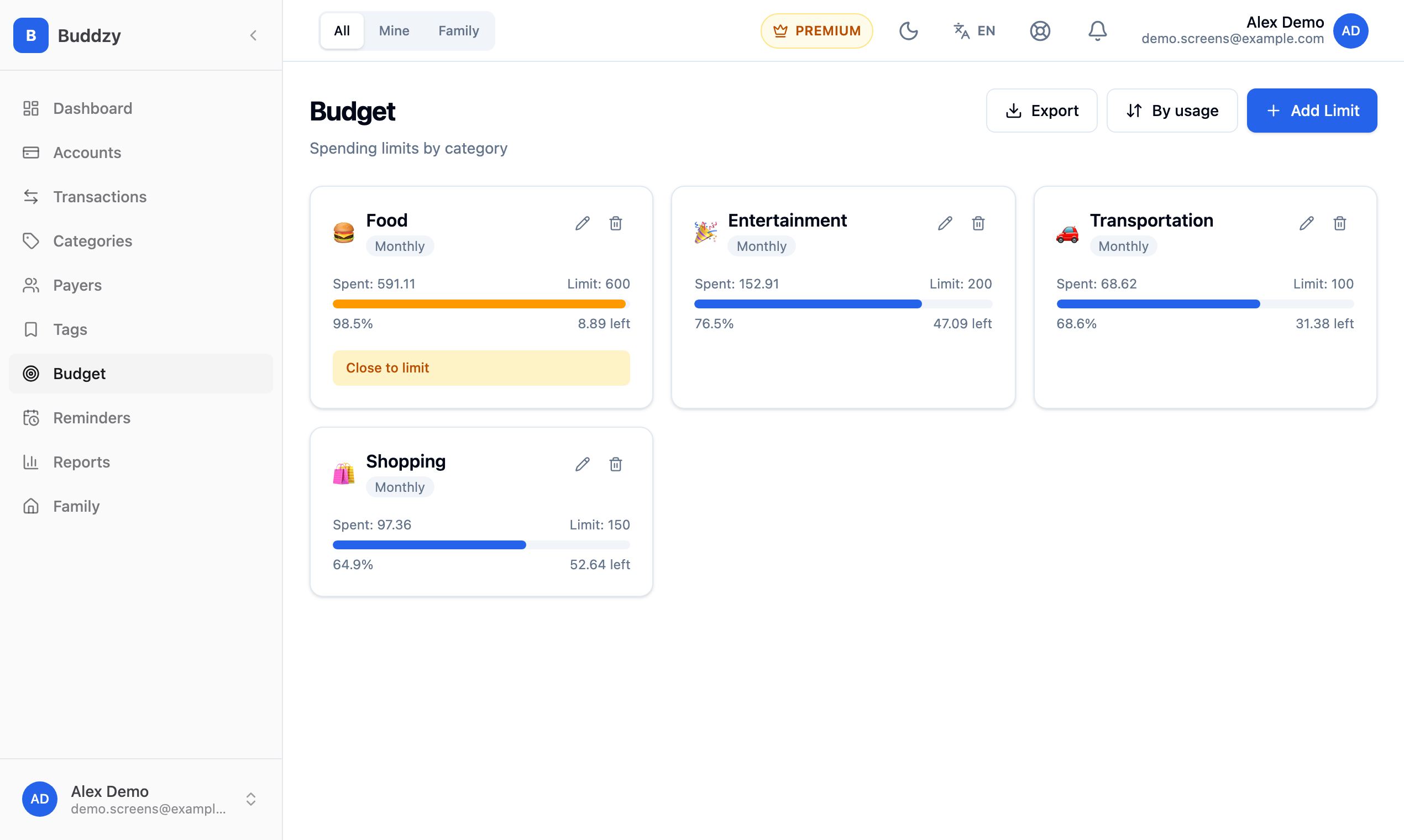
Buddzy doesn't connect to banks, so it works with any bank or payment platform in any country — you add transactions yourself. The Free plan includes up to 5 accounts and 200 transactions a month; category budgets come with Basic — see pricing.
Checklist
- One account per pocket, each in its own currency.
- USD as the main currency for totals and budgets.
- Conversions in batches, recorded as transfers with two amounts.
- Category limits in dollars, with separate lines for travel and accommodation.
- Emergency fund and tax money in dollars, in their own accounts.
- A weekly balance check.
For the rules behind this, see our guide to tracking expenses in multiple currencies; if you're settling in one country for longer, the guide to budgeting after relocation covers the first month.
Read next
 ArticleMultiple currencies
YNAB Alternative for Multiple Currencies
YNAB has one currency per budget. If your money is in dollars, euros and a local currency, here's what to switch to and how to move without losing the method.
· 6 min read
 ArticleMultiple currencies
Zenmoney Alternative for Living Abroad
Moved abroad and Zenmoney can't see your new bank? What matters in a budget app after relocation, how to move your records, and why account currency beats sync.
· 7 min read
 ArticleMultiple currencies
Best Multi-Currency Budget Apps 2026: An Honest Comparison
Which budget apps really handle several currencies? We compare YNAB, Spendee, Wallet, Toshl, a spreadsheet and Buddzy on accounts, exchanges and totals.
· 7 min read