Zenmoney Alternative for Living Abroad
Moved abroad and Zenmoney can't see your new bank? What matters in a budget app after relocation, how to move your records, and why account currency beats sync.
· 7 min read
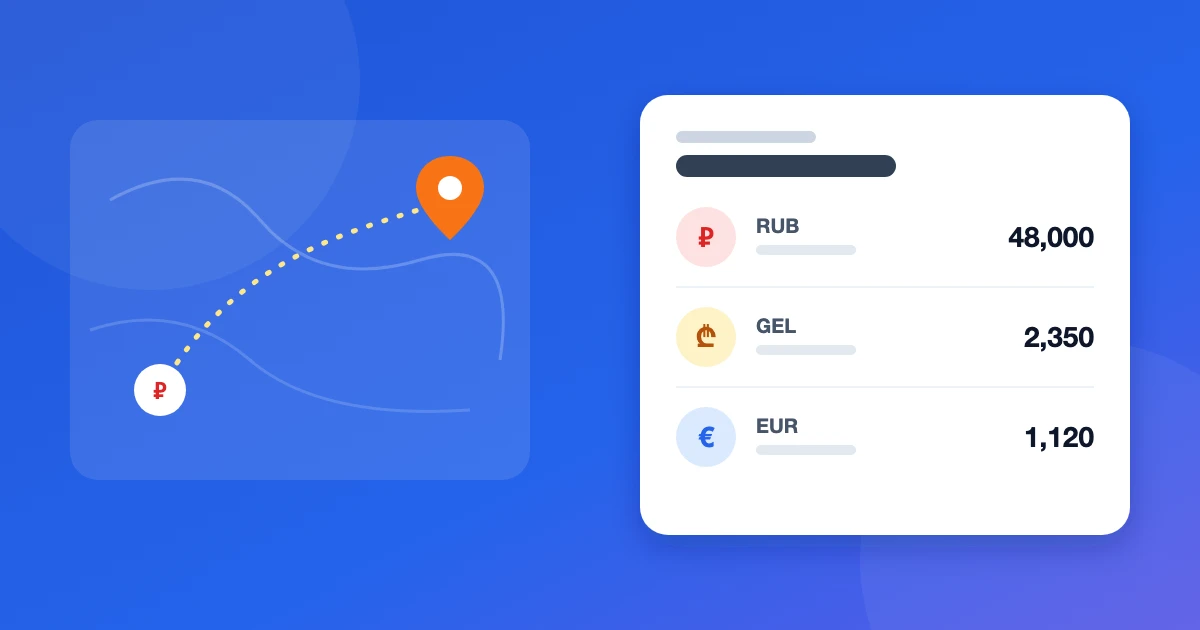
Zenmoney is one of the most popular expense trackers in Russia, and while you live there its main strength works: transactions from Russian banks come in on their own. After a move abroad, things change. Your salary lands on a foreign card, cash is in the local currency, part of your savings stayed in roubles — and the app may simply not know your new local bank. If you're looking for a Zenmoney alternative for living abroad, start by pinning down what stopped working: that decides what to look for next.
What changes after a move
Bank sync loses its edge. Its value is that you don't type expenses in. But it only works with banks the app supports. Zenmoney covers Russian banks well; coverage for banks in Georgia, Serbia, Armenia or Kazakhstan is much thinner, and reviews from users in other countries regularly mention that their bank is missing. If half your money sits in a bank without sync, you're entering half your transactions by hand anyway.
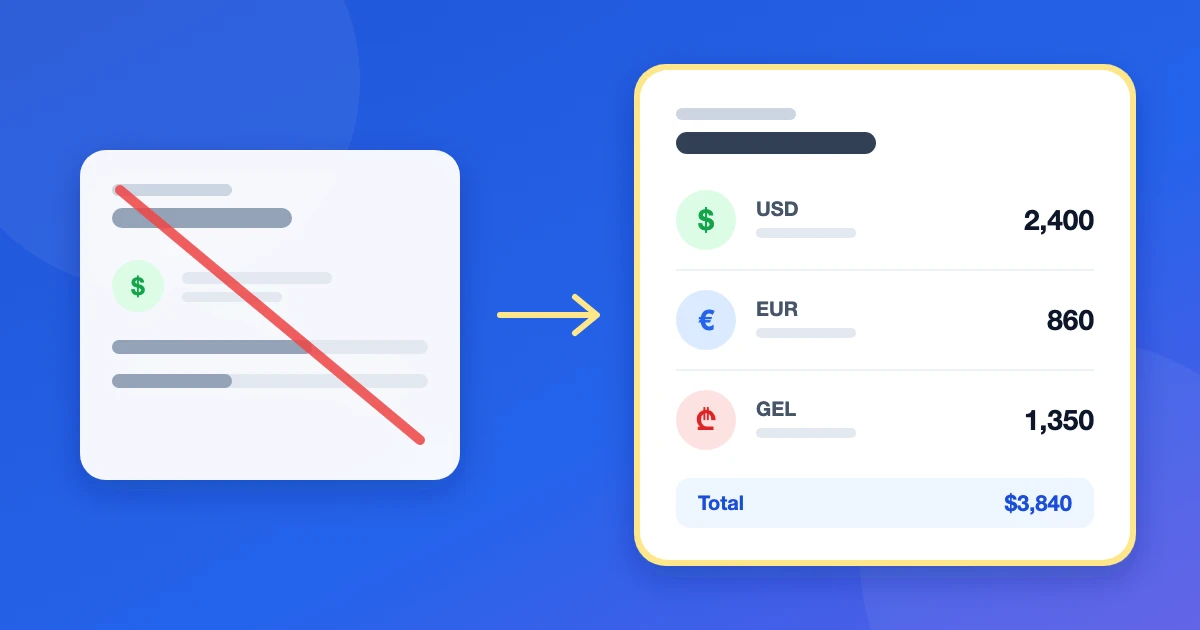
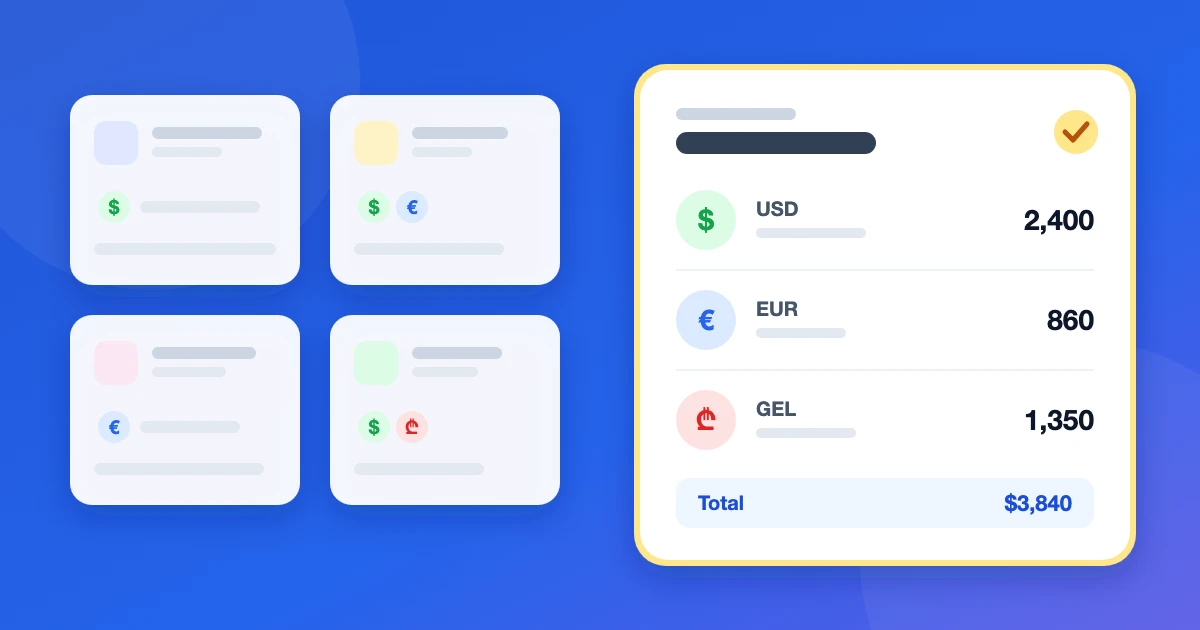
Your money lives in more places. A typical relocant has three or four currencies: roubles in an old account, dollars or euros on a salary card, local currency in a local bank, and cash. You need to see each of these separately — and the total in one currency.
Exchanges become routine. You withdraw cash, move money between your own accounts and pay by card in another currency. If an app records an exchange as spending, your monthly reports stop matching reality.
"Budget" means something new. Rent and groceries in lari, subscriptions in dollars, a loan in roubles. A grocery limit only makes sense if it counts spending from every account in one currency.
What to look for in a budget app abroad
- A currency per account. A rouble card, a dollar account and lari cash are separate accounts with their own balances. No manual conversion when you add an expense.
- One main currency for totals. Net worth, reports and budgets are converted at a current rate into the currency you think in.
- An exchange is a transfer with two amounts. How much left one account and how much arrived in the other. The exchange fee is then built into the difference and doesn't distort spending.
- Category budgets across all accounts. A limit counts spending in any currency.
- No dependence on your bank. Abroad this is a feature, not a gap: an app that doesn't rely on sync works the same with any bank in any country.
The rules behind this are in our guide to tracking expenses in multiple currencies, and the popular apps are compared on these points in the best multi-currency budget apps.
Manual entry is less painful than it sounds
The main fear about giving up bank sync is having to type everything and quitting within a week. In practice manual tracking rests on one habit: record an expense right after paying, while the receipt is in front of you. That's 5–10 seconds on your phone. Manual entry even has advantages:
- You see every expense. It's easy to scroll past an auto-imported list. Typing an expense is a small pause that on its own cuts impulse buys.
- Categories are right from the start. No sorting the bank's "other" transactions or renaming shops.
- No silent breakage. Bank connections sometimes stop after an app or bank update, and you notice a month later.
To keep manual records in line with the bank, compare balances once a week: open your banking app, check the balance against your records and find the missing expense. Five minutes a week keeps the data accurate.
How to move your records from Zenmoney
You rarely need to carry years of history over: a budget runs on current balances and the last few months. A simple plan:
- Export your history from Zenmoney to CSV (transaction export is in the settings) and keep the file in case you want to look up old spending.
- Create accounts in the new app — one for each place your money lives, each in its own currency.
- Enter current balances as the starting balance of each account.
- Set up categories for your new life: rent, utilities, groceries, transport, currency exchange, transfers home.
- Run both apps for a week or two if you're worried about missing something, then keep one.
Buddzy as an alternative
Buddzy is a web app for expense tracking and budgeting that we built for money in several currencies:
- every account has its own currency; totals and reports are shown in your main currency at daily exchange rates;
- a transfer between accounts in different currencies takes two amounts, so an exchange never shows up as spending;
- monthly category budgets count spending from every account;
- "Reconcile balance" makes the weekly check against your bank quick;
- a shared family budget sits next to your personal one — handy if you moved together.
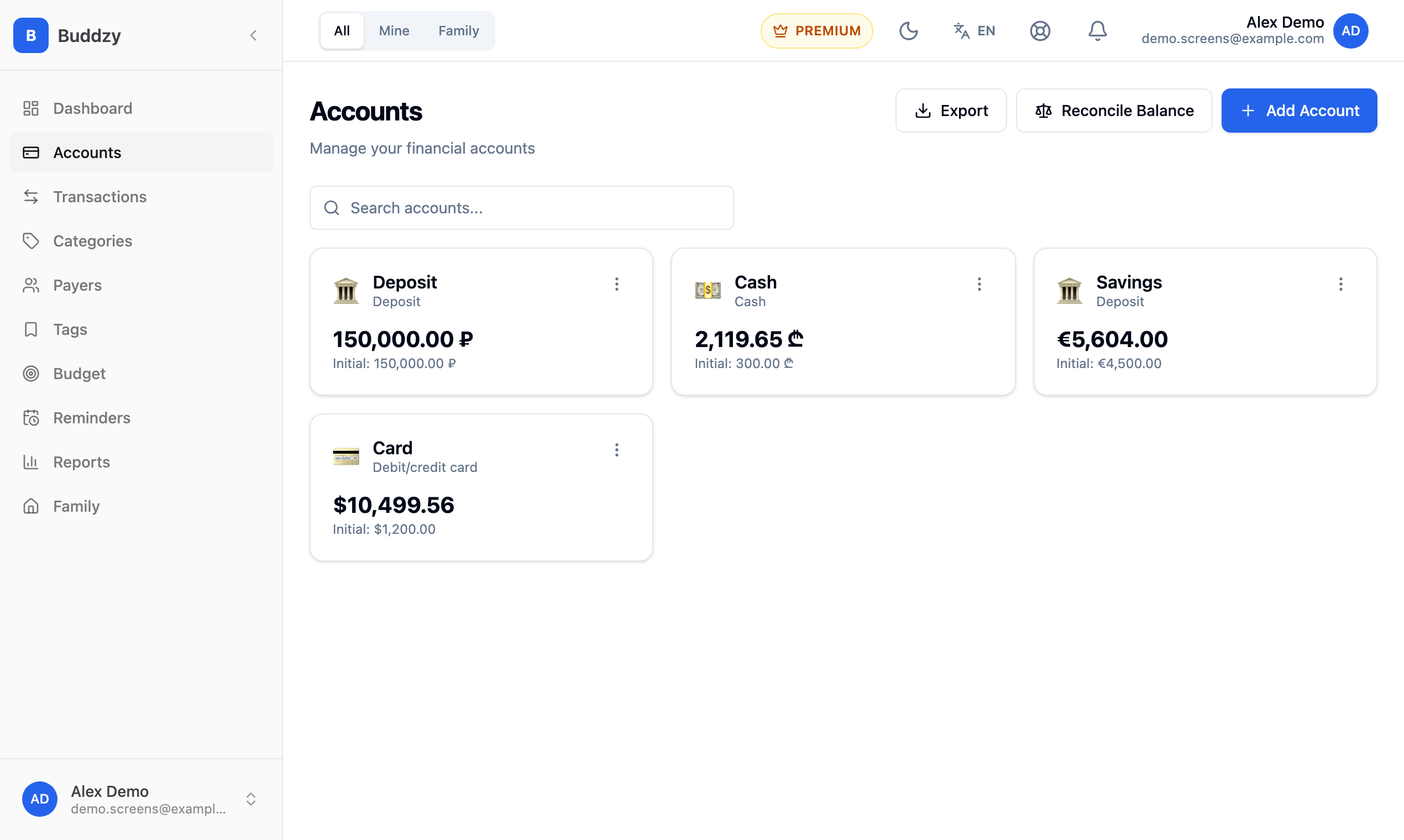
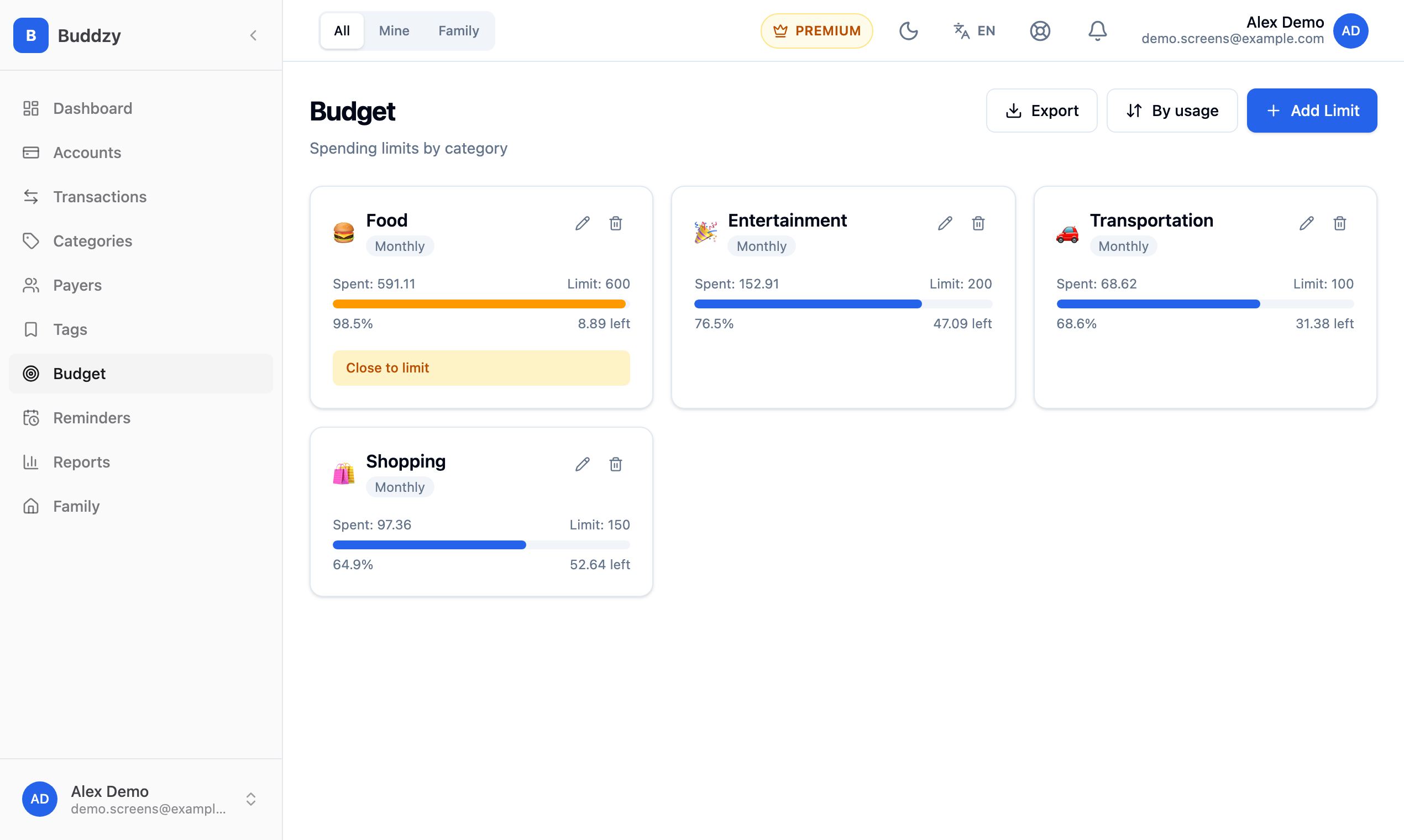
To be clear about what's missing: Buddzy doesn't connect to banks — you add transactions yourself — and there's no Zenmoney import yet, so you start from current balances. In return it works the same with any bank in any country and never asks for your online banking credentials.
The Free plan includes up to 5 accounts and 200 transactions a month, with no time limit. Budgets come with the Basic plan and the shared family budget with Premium; see pricing.
Common questions
Can I stay on Zenmoney and just enter foreign transactions by hand? You can if it suits you. Just check that the app lets each account have its own currency, shows one total in your main currency and records an exchange as a transfer rather than spending.
What about rouble accounts I left at home? Keep them as separate accounts in roubles. Your net worth is converted to your main currency at a current rate, while the balances themselves keep matching the bank.
Which currency should be my main one? The one you earn in or think in. For a relocant paid in dollars it's usually the dollar, even if most spending is in the local currency.
How do I not give up after a week? Record an expense right after paying and compare balances with the bank once a week. If you skipped a few days, don't reconstruct every coffee — enter the difference as one transaction and carry on.
The bottom line
After a move, the real question isn't "which app connects to banks" but "which app understands that my money is in three currencies". Look for a currency per account, one total in your main currency, exchanges recorded as transfers and budgets across all accounts. If you've only just moved, start with our guide to budgeting after relocation — it walks through the first month step by step.
Read next
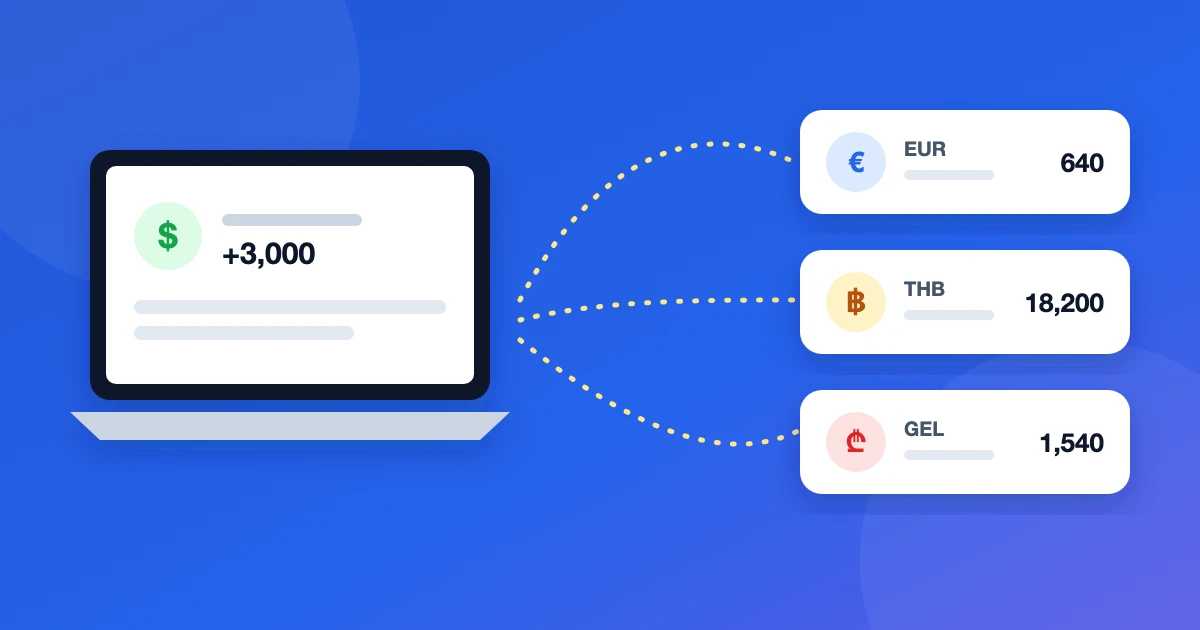 GuideMultiple currencies
Budgeting for Digital Nomads Paid in USD
Paid in dollars, spending in a new currency every few months? A simple budget for digital nomads: buffers in USD, conversion in batches, limits that follow you.
· 6 min read
 ArticleMultiple currencies
YNAB Alternative for Multiple Currencies
YNAB has one currency per budget. If your money is in dollars, euros and a local currency, here's what to switch to and how to move without losing the method.
· 6 min read
 ArticleMultiple currencies
Best Multi-Currency Budget Apps 2026: An Honest Comparison
Which budget apps really handle several currencies? We compare YNAB, Spendee, Wallet, Toshl, a spreadsheet and Buddzy on accounts, exchanges and totals.
· 7 min read